The Best Summer Vacation Thermostat Setting (Hint: Not 'Off') — Save Up to 10%
Leaving your Inland Empire home this summer? Don't switch the AC off. ENERGY STAR says set it 7°F higher (~85°F). Here's why that saves money and prevents mold.

Owner & Lead HVAC Technician, Alex Air & Heating · EPA 608 Universal Certified · Ontario, CA
TL;DR
The best summer vacation thermostat setting is about 7°F higher than normal (roughly 85°F) - not 'off': ENERGY STAR says this cuts cooling costs while an occasional cycle prevents mold in your Inland Empire home.
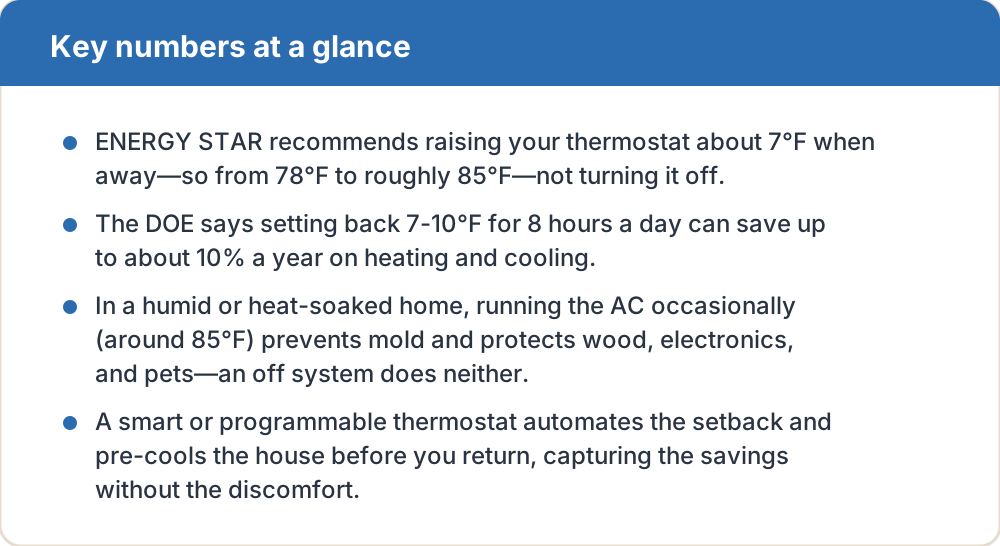
- ENERGY STAR recommends raising your thermostat about 7°F when away—so from 78°F to roughly 85°F—not turning it off.
- The DOE says setting back 7-10°F for 8 hours a day can save up to about 10% a year on heating and cooling.
- In a humid or heat-soaked home, running the AC occasionally (around 85°F) prevents mold and protects wood, electronics, and pets—an off system does neither.
- A smart or programmable thermostat automates the setback and pre-cools the house before you return, capturing the savings without the discomfort.
On this page
- What's the best thermostat setting when I leave for vacation in summer?
- Why shouldn't I just turn the AC off completely?
- How much money does raising the thermostat actually save?
- What about humidity and mold while I'm away?
- How does a smart thermostat make this easier?
- Does this work for short trips and workdays too?
- What's the quick checklist before I leave?
What's the best thermostat setting when I leave for vacation in summer?
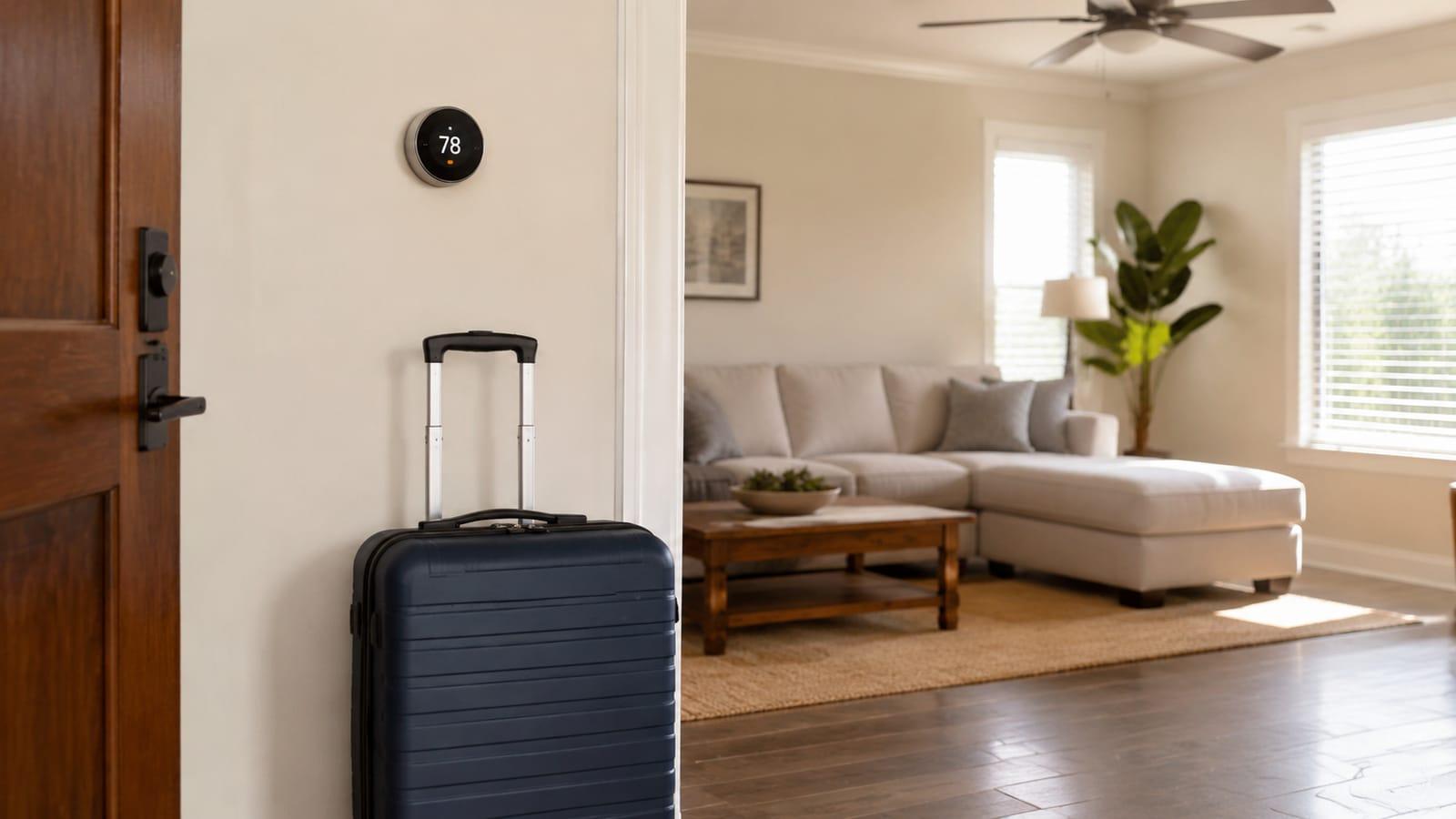
ENERGY STAR recommends setting your thermostat about 7°F higher than your normal setting when you're away. If your comfortable at-home temperature is 78°F—the widely cited efficient summer baseline—that puts your away/vacation setting around 85°F. For longer absences, many homeowners go slightly higher, into the 85-88°F range, but generally not above the high 80s.
The key move is to set it back, not shut it off. A house left with the AC completely off in an Inland Empire summer can soar past 90-100°F inside, baking your furnishings, and—counterintuitively—it forces the system to work far harder to recover when you return. A modest setback keeps the house in a safe zone while still slashing runtime.
Why shouldn't I just turn the AC off completely?
It's tempting to think 'off = zero energy = maximum savings.' But turning the AC fully off during a summer trip creates three problems. First, an unconditioned home can trap heat and humidity that damages wood floors, furniture, musical instruments, artwork, and electronics. Second, without any dehumidification, moisture can build up and encourage mold and mildew growth. Third, pulling a superheated 95°F house back down to 78°F on your return uses a burst of energy that eats into whatever you 'saved.'
A setback to ~85°F sidesteps all three. The system cycles occasionally—just enough to cap the temperature and wring out humidity—while running dramatically less than it would at 78°F. You get most of the savings with none of the risk.
| Scenario | Recommended setting | Basis | Approx. savings |
|---|---|---|---|
| Home & awake | 78°F | Efficient summer baseline | — |
| Asleep | ~82°F (+4°F) | ENERGY STAR | Part of daily setback |
| Away for the workday | ~85°F (+7°F) | ENERGY STAR | Up to ~10%/yr (DOE, 8 hrs/day) |
| On vacation (days) | 85-88°F | ENERGY STAR range + humidity control | Largest total savings |
| AC fully off | Not recommended | Mold/heat/electronics risk | Savings offset by recovery |
How much money does raising the thermostat actually save?
The U.S. Department of Energy states you can save as much as 10% a year on heating and cooling by turning your thermostat back 7-10°F from its normal setting for 8 hours a day. A multi-day vacation is essentially a very long setback period, so the savings compound: instead of 8 hours a day, the AC runs at the higher setpoint for the entire trip.
The hotter your climate and the bigger your cooling bill, the more real dollars that percentage represents. In the Inland Empire, where summer cooling is a large share of the electric bill, a week-long setback can meaningfully dent your July or August statement—especially paired with time-of-use rate awareness.
What about humidity and mold while I'm away?
This is the reason experts warn against setting the thermostat too high (or off). Your AC doesn't just cool—it dehumidifies. Guidance from HVAC and energy sources generally advises not going much above the mid-80s in summer, because the system needs to cycle on often enough to pull moisture out of the air and keep indoor humidity in check. Left unchecked, high indoor humidity invites mold on walls, in closets, and around windows.
Southern California summers are drier than the Southeast, so mold risk here is lower than in humid states—but it isn't zero, especially in homes near coastal marine-layer influence or with existing moisture issues. Keeping the setpoint around 85°F (rather than 90°F+) lets the AC run just enough to manage humidity while you're gone.
How does a smart thermostat make this easier?
A programmable or smart thermostat is the tool that turns this advice into automatic savings. Set a vacation or 'away' mode and it holds the higher setpoint for your whole trip, then pre-cools the house so it's comfortable the moment you walk in—no need to arrive to a 90°F house or leave it running cold 'just in case.'
Smart models add remote control from your phone (bump the temperature if plans change), geofencing that senses when you've left, and energy reports that show what the setback saved. ENERGY STAR-certified smart thermostats are independently verified to deliver real energy savings, making them a low-cost upgrade with a quick payback in a cooling-heavy climate.
- Use the built-in 'Vacation' or 'Away' hold instead of manual guessing.
- Enable pre-cooling so the house is comfortable on arrival.
- Turn on geofencing so short day-trips also trigger a setback.
- Avoid time-of-use peak hours (typically late afternoon/evening) for any pre-cooling.
Does this work for short trips and workdays too?
Yes—the same principle scales down. For a normal workday when the house is empty 8+ hours, ENERGY STAR's guidance is a 7°F setback while away and about a 4°F setback while you sleep. That daily rhythm is exactly the 8-hours-a-day scenario the DOE's up-to-10% savings figure is based on.
The mistake to avoid is 'chasing' the thermostat—cranking it way down when you get home to cool faster. It doesn't cool faster; your AC has one speed, so it just runs longer and overshoots. Let a schedule or smart thermostat ramp the temperature back to comfort a little before you return instead.
What's the quick checklist before I leave?
Before a summer trip, a two-minute routine locks in the savings and protects the house.
- Set the thermostat to about 85°F (roughly 7°F above your normal setting).
- Close blinds and curtains on sun-facing windows to cut heat gain.
- Switch the fan to AUTO, not ON, so it isn't running the blower nonstop.
- Replace a dirty filter so the system runs efficiently while you're gone.
- If you have a smart thermostat, set 'Away/Vacation' mode with pre-cool timed to your return.
Frequently asked questions
No. ENERGY STAR recommends raising the setpoint about 7°F (to roughly 85°F) rather than switching off. An off system lets heat and humidity build up—risking mold and damage to wood and electronics—and then burns extra energy cooling a superheated house back down when you return.
The DOE estimates up to about 10% a year on heating and cooling from setting back 7-10°F for 8 hours a day. A multi-day vacation extends that setback around the clock, so the savings on your summer bill can be substantial in a cooling-heavy climate like the Inland Empire.
Most guidance advises not going much above the mid-to-high 80s in summer, because your AC needs to cycle on often enough to remove humidity. Around 85°F is a safe target—high enough to save energy, low enough to keep the system dehumidifying and prevent mold.
No. Your AC runs at one speed, so setting it to 65°F doesn't cool faster—it just runs longer and may overshoot. A smart thermostat's pre-cool feature is the better approach: it starts cooling shortly before you arrive so the house is comfortable without the waste.
Local next step
Turn this guide into a site-specific answer.
Guides explain the decision. Equipment condition, access, and safe next steps still need to match the home or business. Review the relevant service scope or request an assessment for Ontario, the Inland Empire, or East Los Angeles County. Availability depends on the current schedule.